



Xiaomi Gaming Monitor G25i 2026
VAT included.
Out of Stock
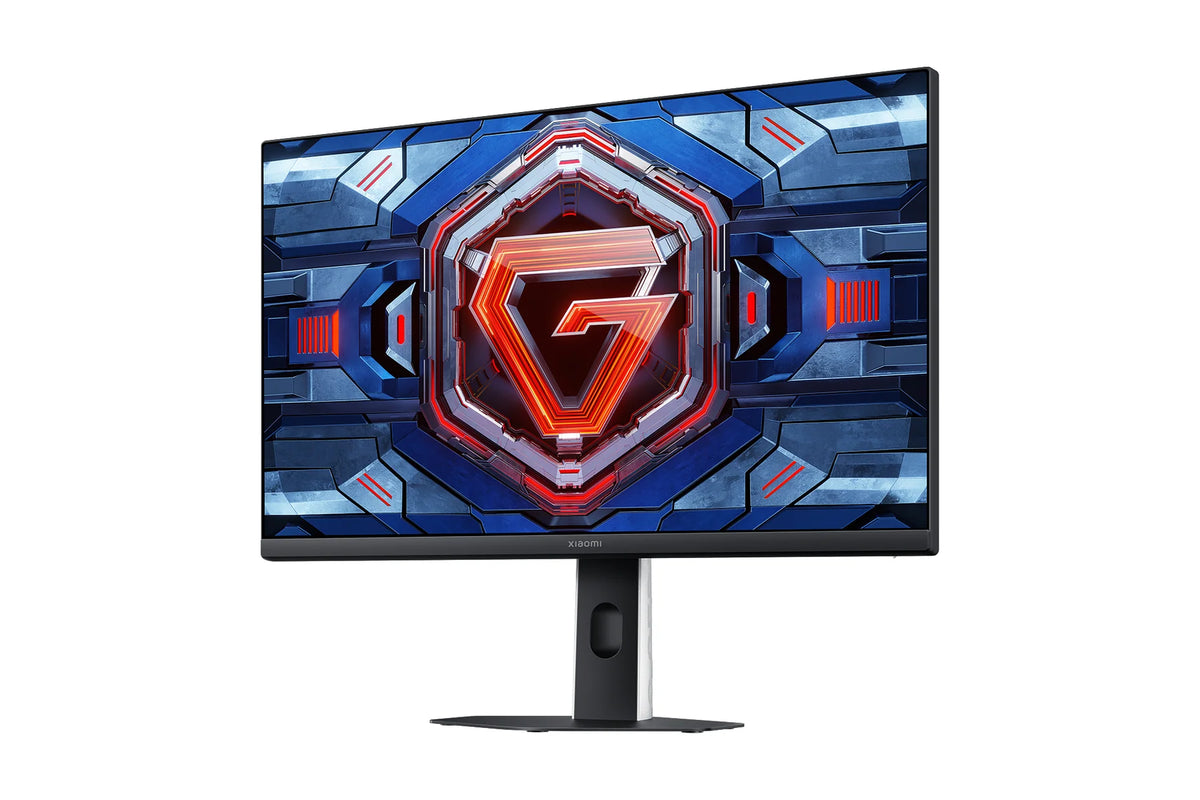
You'll rarely see big screens at e-sports tournaments: around 24.5 inches is the standard there, because it lets you take in the whole picture without moving your head. The Xiaomi Gaming Monitor G25i 2026 is exactly that kind of screen, with a 240 Hz refresh rate and a 1 ms GtG response time. Every frame counts and everything happens within your field of view. That's really all competitive gaming needs.


Your payment details are processed securely. We do not store credit card information and have no access to this data.
Share This Product


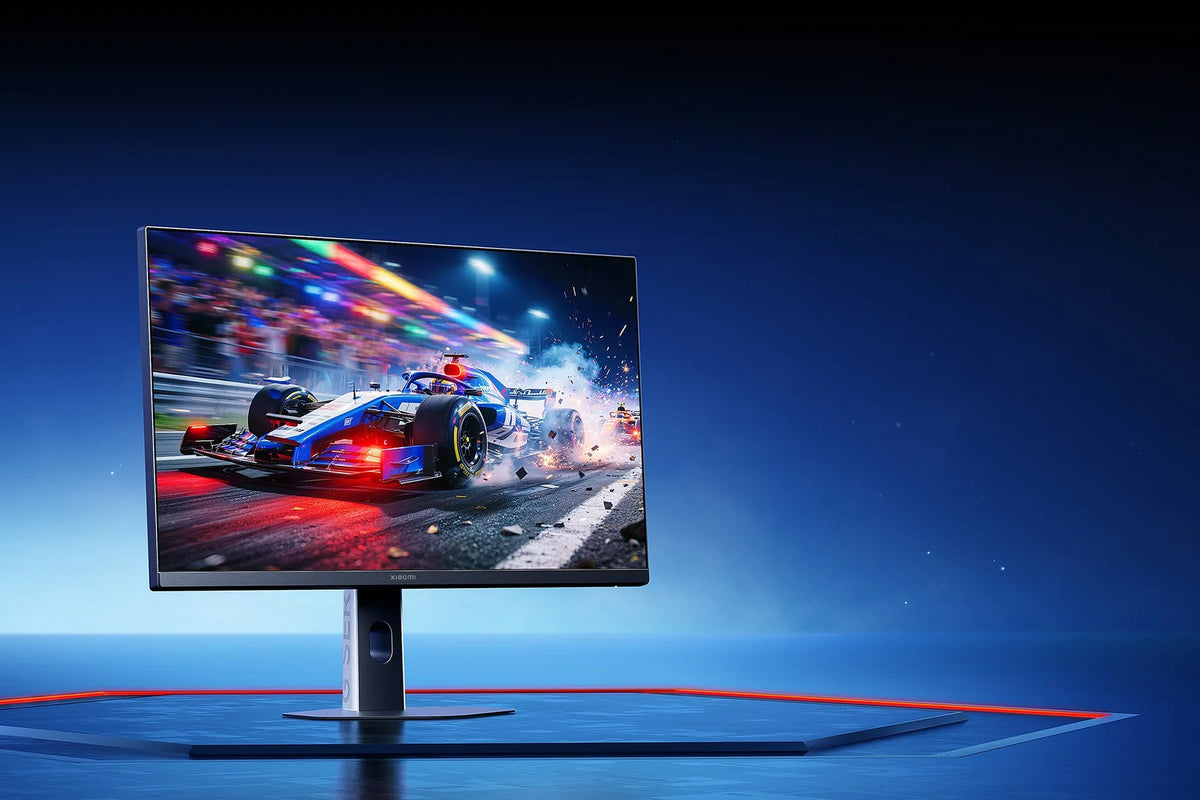
240 Hz for smooth visuals
The Fast IPS panel refreshes up to 240 times per second. That means movements flow smoothly across the screen, and you spot an opponent sooner than on a standard 60 Hz monitor.
The 1 ms GtG response time keeps those images sharp, with no smearing behind fast movements. The dynamic overdrive adjusts the pixel control to match your framerate. If your fps drops for a moment, the image still stays crisp.
For the full 240 Hz, use the included HDMI 2.0 cable or your own DisplayPort 1.4 cable. After that, set the refresh rate to 240 Hz in Windows, because a new screen often starts up at 60 Hz.
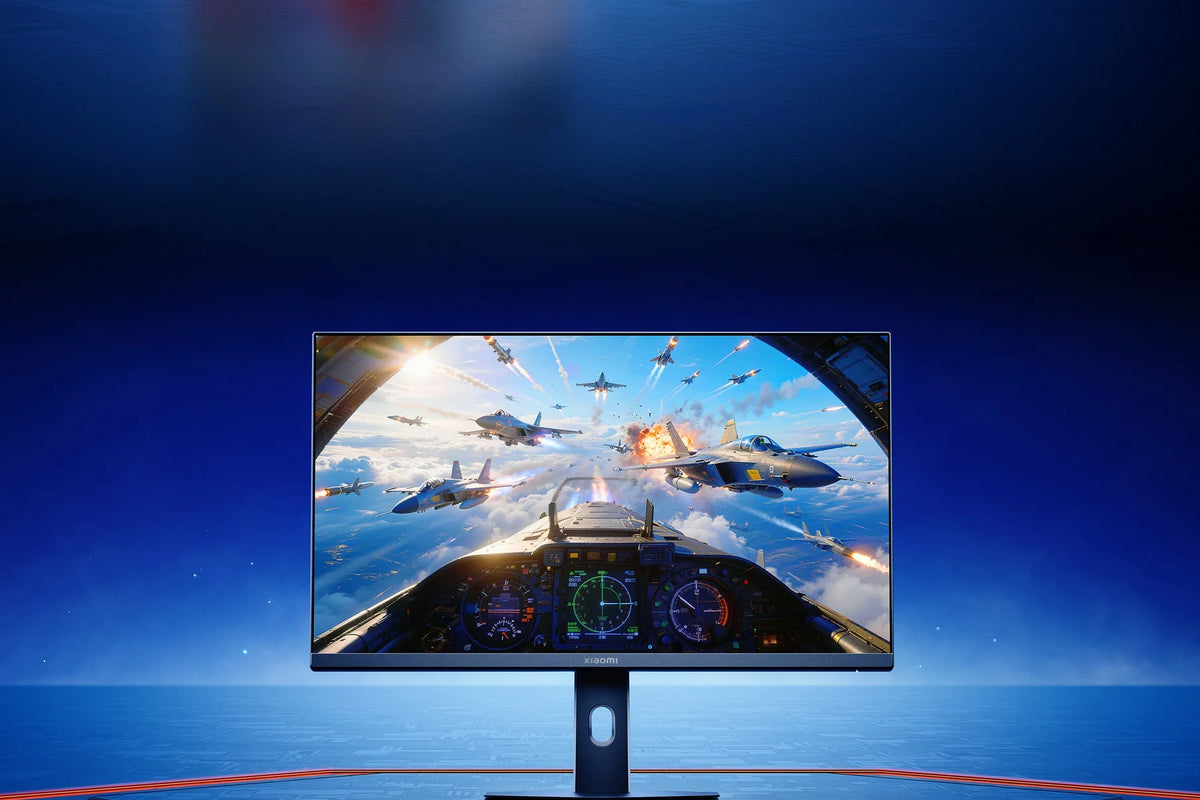
The entire playing field within your field of view
At e-sports tournaments, a screen of around 24.5 inches is the standard. At this size, you can see the minimap and your ammo without taking your eyes off the center. You don't have to turn your head to see what's happening in the corners.
Because the panel is Full HD, even a mid-range graphics card reaches the high frame rates that come with 240 Hz. So you don't need an expensive PC to use the screen at full speed.
The three thin screen bezels keep everything compact. That leaves room next to your keyboard for big mouse movements.
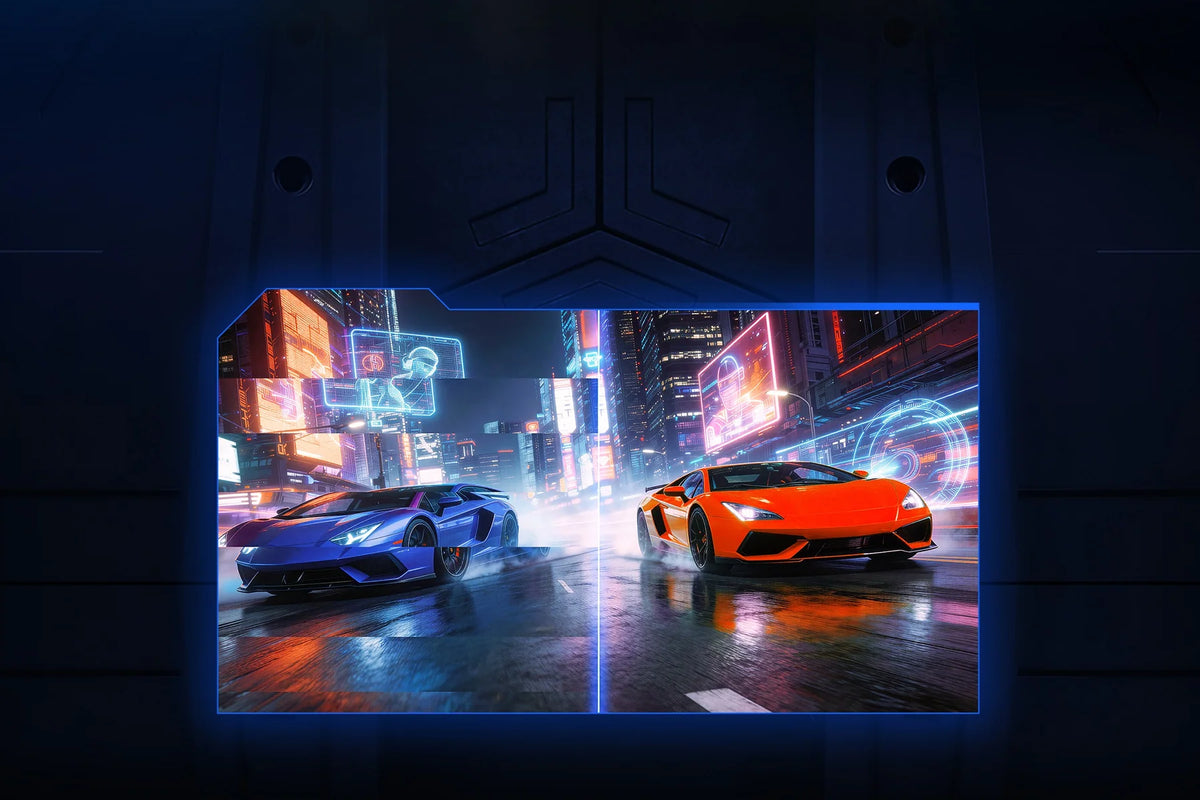
Gameplay aids for dark games
AMD FreeSync Premium keeps the display in sync with your graphics card. Tearing, that horizontal break across the image, and stuttering disappear as a result, even when your framerate fluctuates.
On top of that, there are gaming aids built right into the display. The black boost brightens shadowy areas without overexposing the rest. An adjustable crosshair stays on screen, even in games that don't show one themselves.
These are features of the monitor, so they work in every game and don't cost your graphics card any performance. You switch them on with the joystick button on the back.
How does the Xiaomi Gaming Monitor G25i 2026 compare?
Four gaming monitors from the 2026 G series, all with a 1 ms response time. The G24i and G25i are compact and fast, the G27i gives you 27 inches of Full HD, and the G27Qi offers QHD for more detail.
|
Xiaomi G25i 2026 |
||||
|
23.8 inch Fast IPS |
24.5 inch Fast IPS |
27-inch Fast IPS |
27-inch Fast IPS |
|
|
1920 x 1080 (Full HD) |
1920 x 1080 (Full HD) |
1920 x 1080 (Full HD) |
2560 x 1440 (QHD) |
|
|
About 93 pixels per inch |
Around 90 pixels per inch |
Around 82 pixels per inch |
About 109 pixels per inch |
|
|
Up to 200 Hz |
Up to 240 Hz |
Up to 200 Hz |
Up to 200 Hz |
|
|
1 ms GtG |
1 ms GtG |
1 ms GtG |
1 ms GtG |
|
|
FreeSync Premium, G-Sync Compatible |
FreeSync Premium |
FreeSync Premium, G-Sync Compatible |
FreeSync Premium |
|
|
16.7 million, 95% DCI-P3 |
16.7 million, 93% DCI-P3 |
16.7 million, 95% DCI-P3 |
1.07 billion, 95% DCI-P3 |
|
|
400 nits, HDR 400 |
400 nits, DisplayHDR 400 |
400 nits, HDR 400 |
400 nits, HDR 400 |
|
|
1x DisplayPort 1.4, 1x HDMI |
1x DisplayPort 1.4, 1x HDMI 2.0 |
1x DisplayPort 1.4, 1x HDMI 2.0 |
2x DisplayPort 1.4, 2x HDMI 2.0 |
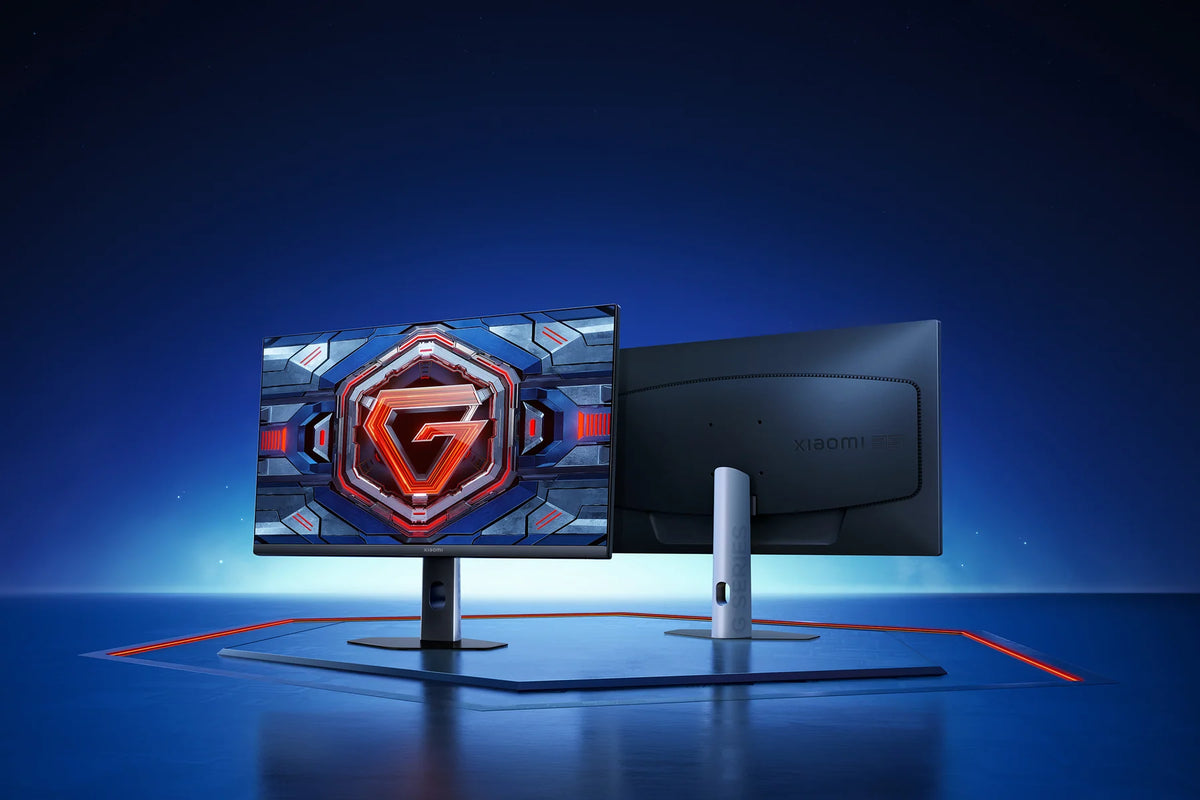
How the Xiaomi G25i 2026 fits on your desk
How to set up the Xiaomi G25i 2026
Foot attached, cable in and power on. After that, run through these five steps once. Then you'll get the full 240 Hz and the gaming aids out of the display.
Step 1: choose the right cable
Step 1: choose the right cable
Use the included HDMI cable, or your own DisplayPort 1.4 cable that can handle the bandwidth. Connect the cable to your graphics card and not to the motherboard, otherwise the image runs through the processor.
Step 2: set the refresh rate to 240 Hz
Step 2: set the refresh rate to 240 Hz
Windows often sets a new display to 60 Hz. Open your display settings, go to the advanced settings and select 240 Hz under the refresh rate. Only then will your monitor run at full speed.
Step 3: turn on FreeSync
Step 3: turn on FreeSync
Turn on FreeSync first in the display menu and then in the AMD software of your graphics card. That way, the display syncs up with your framerate and tearing disappears.
Step 4: overdrive on the fastest setting
Step 4: overdrive on the fastest setting
You'll achieve the 1 ms response time with the overdrive set to its fastest mode. You can adjust this through the menu, which you operate with the joystick button on the back.
Step 5: crosshair and dark boost
Step 5: crosshair and dark boost
In the same menu, you turn on the crosshair and the darkness boost. In dark shooters, that last one is the difference between a shadow and an enemy.
Service just as important as the product
We think service matters just as much as the product itself. Our customer service team knows every product inside and out and has tested them personally, so you always get honest, expert advice. We also run our warehouse entirely in-house.
Everything happens under our own roof. That way we keep a firm grip on quality and get your order to you quickly and carefully.
Order before 8:00 PM on a business day and if the product is in stock, you'll have it the next business day in the Netherlands and Belgium.
FAQ about the Xiaomi Gaming Monitor G25i 2026
Everything you want to know before you order. Can't find your question here? Our customer service is happy to help you.
How to get 240 Hz on the Xiaomi G25i 2026?
How to get 240 Hz on the Xiaomi G25i 2026?
Use the included HDMI cable or your own DisplayPort 1.4 cable, then set the refresh rate to 240 Hz in your computer's display settings. It's often set to 60 Hz by default.
What does the darkness enhancement do on the Xiaomi G25i 2026?
What does the darkness enhancement do on the Xiaomi G25i 2026?
It brightens the slightly darker parts of the image without overexposing the bright parts. That way you'll spot opponents hiding in shadows sooner. It's a feature of the screen itself, so it works in every game.
Does the Xiaomi G25i 2026 come with a DisplayPort cable?
Does the Xiaomi G25i 2026 come with a DisplayPort cable?
No, the box includes an HDMI 2.0 cable. With it, you'll get the full 240 Hz. If you want to use DisplayPort, you'll need your own DisplayPort 1.4 cable.
Why 24.5 inches and not 27 inches?
Why 24.5 inches and not 27 inches?
At 24.5 inches, you can take in the whole picture without moving your head. That's why this size is the standard in e-sports. If you'd prefer a larger screen, take a look at the Xiaomi G27i 2026 with 27 inches.
What's the difference between the Xiaomi G25i 2026 and the G24i 2026?
What's the difference between the Xiaomi G25i 2026 and the G24i 2026?
The G25i refreshes up to 240 Hz on 24.5 inches and comes with gaming aids like a crosshair and dark boost. The Xiaomi G24i 2026 reaches 200 Hz on 23.8 inches and is factory-calibrated to a color deviation below Delta E 2.
Can you adjust the height of the Xiaomi G25i 2026?
Can you adjust the height of the Xiaomi G25i 2026?
No, the included stand can only tilt, from -5° to 15°. Want to raise or rotate the screen? Then mount it on a monitor arm using the 75 x 75 mm VESA mount.
Does the Xiaomi G25i 2026 have built-in speakers?
Does the Xiaomi G25i 2026 have built-in speakers?
No. The display does have an audio output, so you connect your headset or speakers directly to the monitor.
What's in the box with the Xiaomi G25i 2026?
What's in the box with the Xiaomi G25i 2026?
The monitor, the stand, the mounting kit, the power adapter, an HDMI 2.0 cable and the manual.
Why choose TechPunt?

Free shipping
All orders over €75 are delivered to your home at no extra cost.

Easy Returns
Enjoy the freedom of worry-free shopping thanks to our simple return policy.

Expert Advice
Our team tests every product themselves, so you always get honest and independent advice.


