



Xiaomi 2K Gaming Monitor G27Qi 2026
VAT included.
In stock
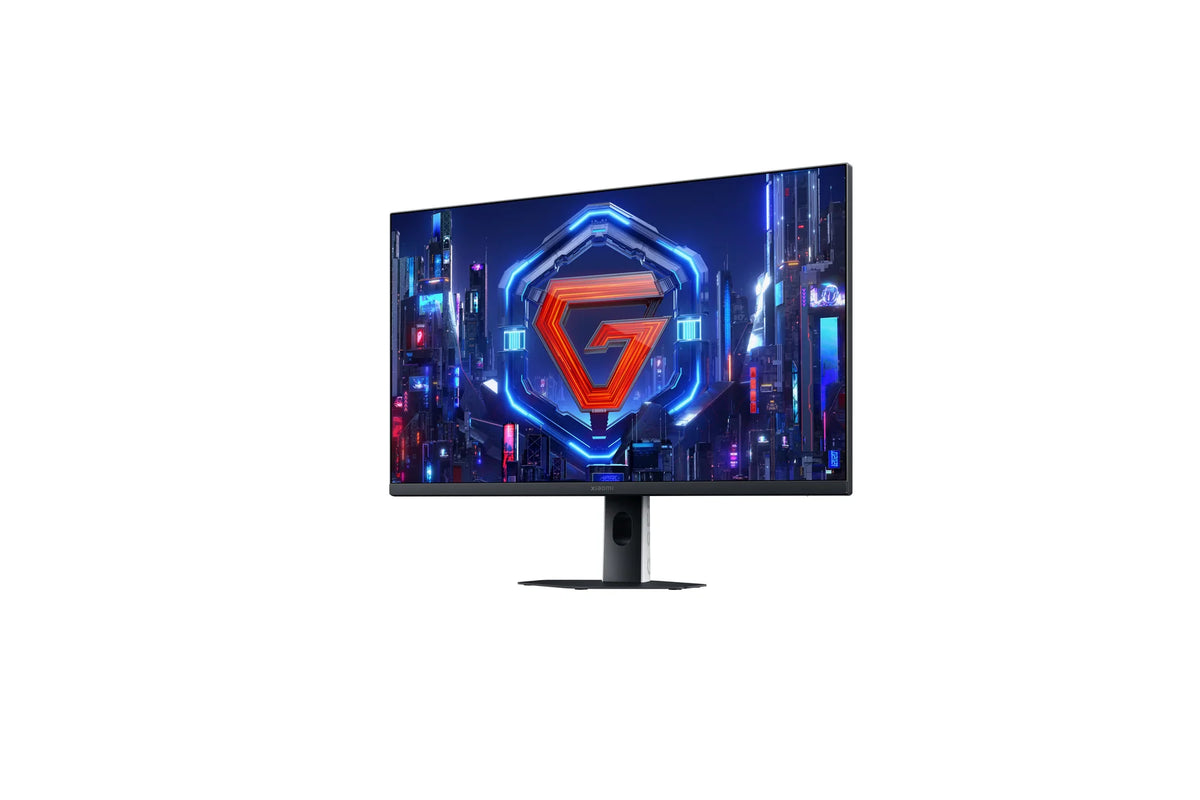
Losing a match because your screen is too slow — that's the last thing you want. The Xiaomi 2K Gaming Monitor G27Qi 2026 refreshes the image up to 200 times per second, and a pixel changes color in just 1 ms. So whatever you do with your mouse, you see it on screen instantly. With FreeSync Premium, the 27-inch QHD panel stays perfectly in sync with your graphics card. And if you still lose, well, at least it won't be your screen's fault.


Your payment details are processed securely. We do not store credit card information and have no access to this data.
Share This Product


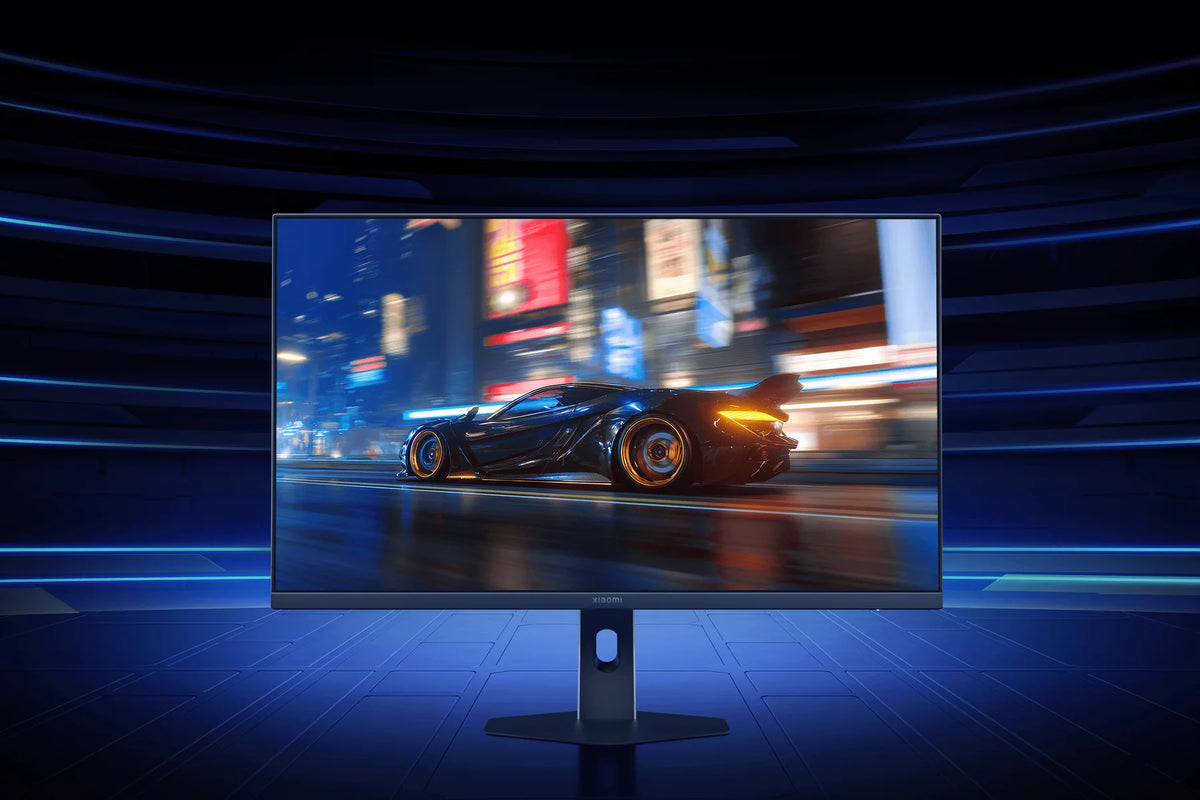
200 frames per second
The G27Qi 2026 screen refreshes up to 200 times per second. As a result, motion looks a lot smoother than on a standard monitor. In fast-paced shooters you'll spot an opponent coming around the corner sooner, and the image stays sharp while you spin around.
The response time is 1 ms (GtG). Pixels switch colors so fast that moving images don't get blurry edges. Even in racing games, where the scenery flies by at high speed, everything stays sharp.
You get the full 200 Hz via DisplayPort. That cable is included in the box, so there's nothing extra to buy. Your graphics card does need to produce enough frames per second, though. In games like Valorant and CS2, most modern graphics cards can manage that.
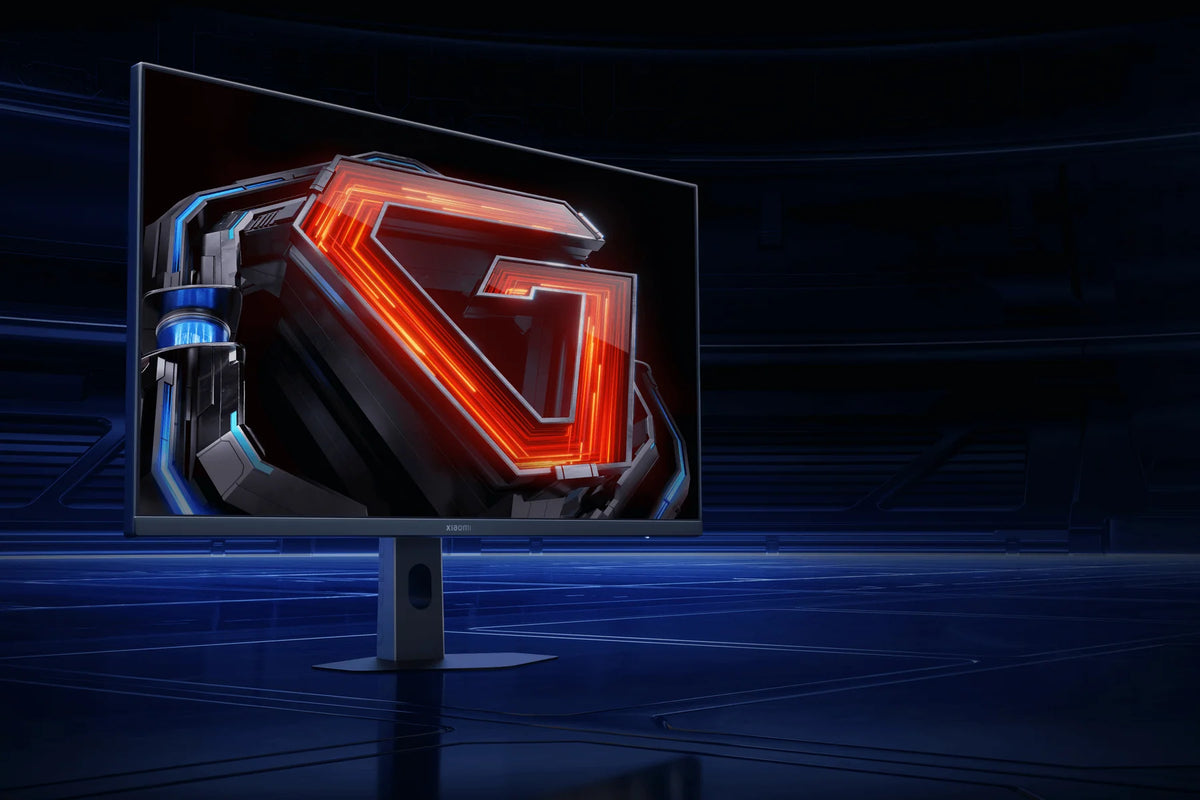
No tearing and no stuttering
With FreeSync Premium, the screen refreshes exactly as often as your graphics card delivers new images. If your framerate drops during an intense battle, the screen adjusts instantly. So you'll never see two half-images at the same time.
That means no more tearing, the horizontal break that runs across the image, and no stuttering either. Especially when a lot is happening at once, like during an explosion or in a busy city, the picture stays smooth.
FreeSync works with AMD graphics cards and, via Adaptive-Sync, with other graphics cards too. Just be sure to turn the feature on, both in the screen's menu and in your graphics card's software. Otherwise FreeSync stays off.
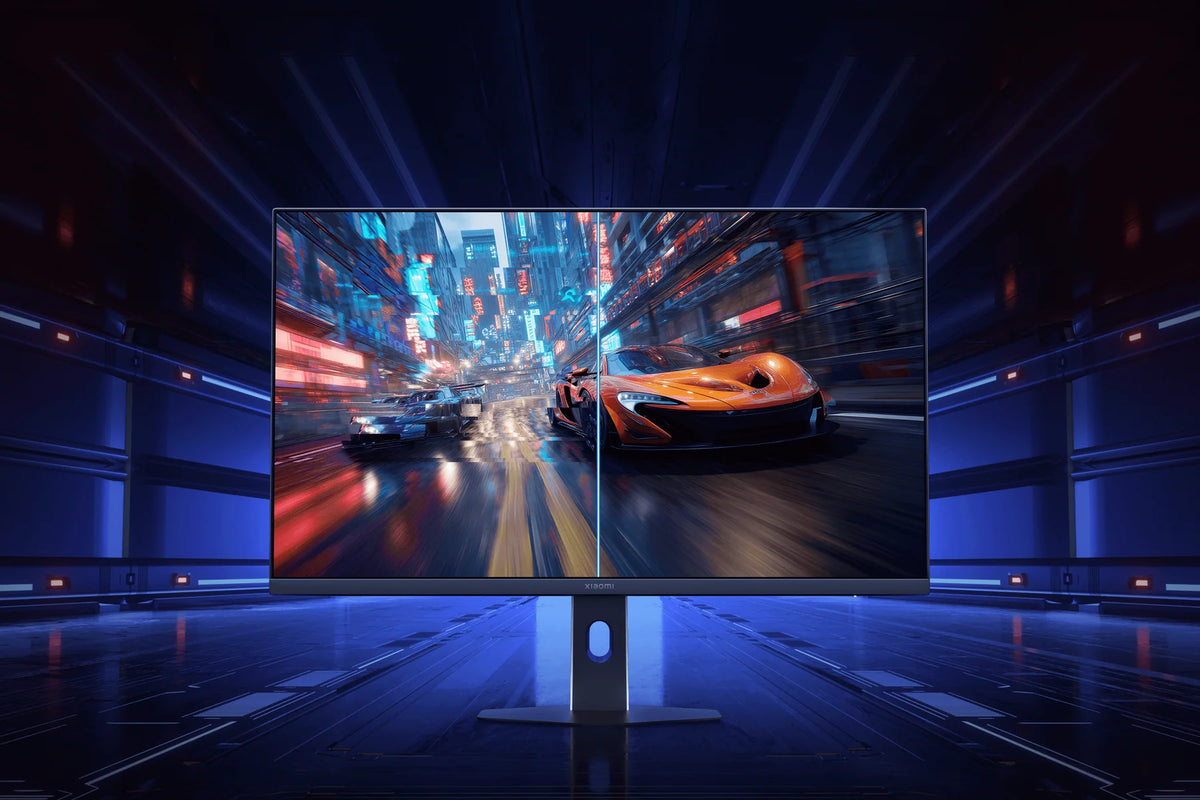
Sharp image on 27 inch
The 27-inch Fast IPS panel has a resolution of 2560 x 1440 pixels. This lets you see even small details in the distance, and your graphics card has less work to do than with 4K. At this screen size, text and edges look sharp with QHD from a normal viewing distance.
The panel displays 1.07 billion colors and covers 95% DCI-P3 and 100% sRGB. The color deviation is less than ΔE 2. So whether you're editing photos or watching a movie, you see the colors exactly as they're meant to be.
With 400 nits and HDR 400, the picture is easy to see even in a bright room. The viewing angle is 178°, so the colors stay the same when someone looks over your shoulder.
How does the Xiaomi 2K Gaming Monitor G27Qi 2026 compare?
Four gaming monitors from the 2026 G series, all with a 1 ms response time. The G24i and G25i are compact and fast, the G27i gives you 27 inches of Full HD, and the G27Qi offers QHD for more detail.
|
Xiaomi G27Qi 2026 |
||||
|
23.8 inch Fast IPS |
24.5 inch Fast IPS |
27-inch Fast IPS |
27-inch Fast IPS |
|
|
1920 x 1080 (Full HD) |
1920 x 1080 (Full HD) |
1920 x 1080 (Full HD) |
2560 x 1440 (QHD) |
|
|
About 93 pixels per inch |
Around 90 pixels per inch |
Around 82 pixels per inch |
About 109 pixels per inch |
|
|
Up to 200 Hz |
Up to 240 Hz |
Up to 200 Hz |
Up to 200 Hz |
|
|
1 ms GtG |
1 ms GtG |
1 ms GtG |
1 ms GtG |
|
|
FreeSync Premium, G-Sync Compatible |
FreeSync Premium |
FreeSync Premium, G-Sync Compatible |
FreeSync Premium |
|
|
16.7 million, 95% DCI-P3 |
16.7 million, 93% DCI-P3 |
16.7 million, 95% DCI-P3 |
1.07 billion, 95% DCI-P3 |
|
|
400 nits, HDR 400 |
400 nits, DisplayHDR 400 |
400 nits, HDR 400 |
400 nits, HDR 400 |
|
|
1x DisplayPort 1.4, 1x HDMI |
1x DisplayPort 1.4, 1x HDMI 2.0 |
1x DisplayPort 1.4, 1x HDMI 2.0 |
2x DisplayPort 1.4, 2x HDMI 2.0 |
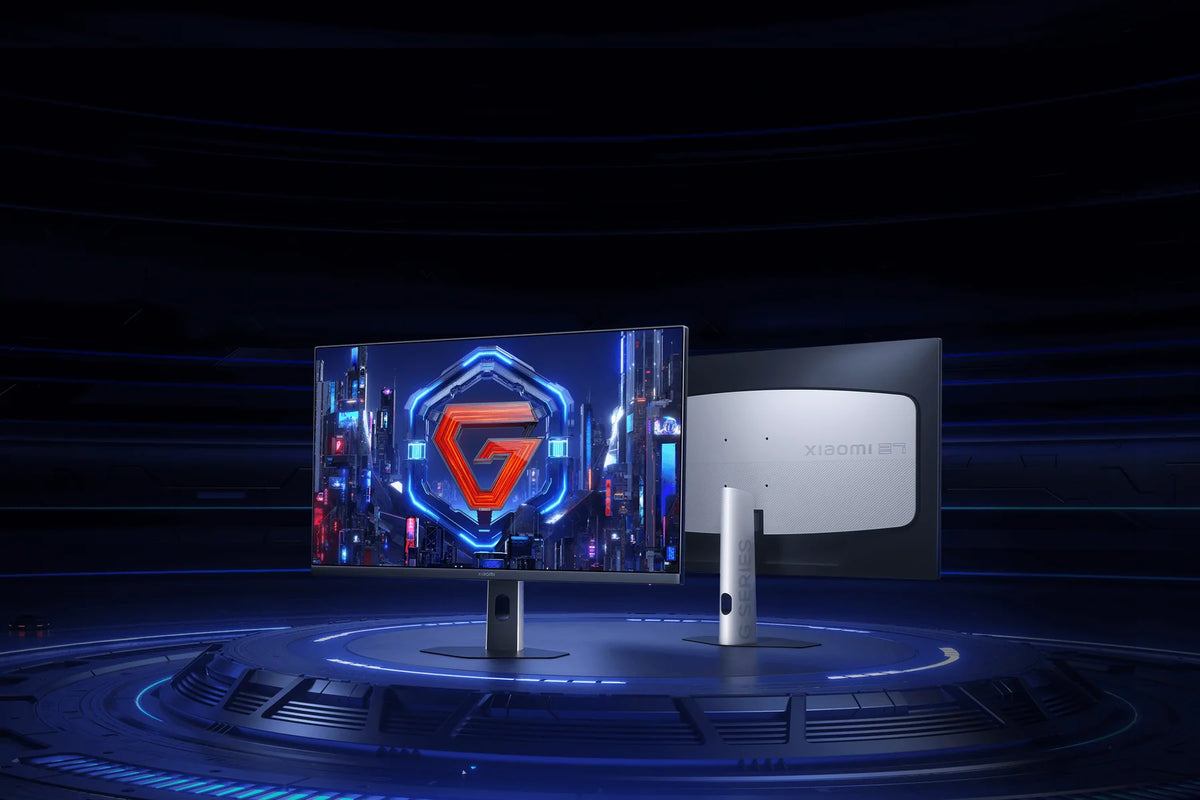
How the Xiaomi G27Qi 2026 fits on your desk
How to set up the Xiaomi G27Qi 2026
Attach the stand, plug in the cable and turn it on. Then run through these five steps once. That way you'll get the full 200 Hz and the sharpest picture out of your screen.
Step 1: connect via DisplayPort
Step 1: connect via DisplayPort
For the full 200 Hz, use the included DisplayPort cable. Connect it to your graphics card and not to the port on your motherboard. Otherwise, the image runs through the processor instead of through your graphics card.
Step 2: set the refresh rate to 200 Hz
Step 2: set the refresh rate to 200 Hz
Windows often sets a new display to 60 Hz. Open your display settings, go to the advanced settings and select 200 Hz as the refresh rate. Only then will your display run at full speed.
Step 3: turn on FreeSync
Step 3: turn on FreeSync
First enable FreeSync in the display's menu, then in your graphics card's software. On AMD the option is called FreeSync. On NVIDIA you enable G-SYNC in the NVIDIA Control Panel.
Step 4: overdrive on Fast
Step 4: overdrive on Fast
Set the overdrive in the on-screen menu to Fast. Moving images will stay sharp, without faint edges around them. The highest setting sometimes looks sharper, but it's actually what causes those edges.
Step 5: Match the brightness to your room
Step 5: Match the brightness to your room
Playing in a dark room at night? Then turn the brightness down a bit, because 400 nits is really bright in the dark. During the day you can actually turn the brightness up, so you can still see everything in dark parts of a game.
Service just as important as the product
We think service matters just as much as the product itself. Our customer service team knows every product inside and out and has tested them personally, so you always get honest, expert advice. We also run our warehouse entirely in-house.
Everything happens under our own roof. That way we keep a firm grip on quality and get your order to you quickly and carefully.
Order before 8:00 PM on a business day and if the product is in stock, you'll have it the next business day in the Netherlands and Belgium.
FAQ about the Xiaomi 2K Gaming Monitor G27Qi 2026
Everything you want to know before you order. Can't find your question here? Our customer service is happy to help you.
How do you get 200 Hz on the Xiaomi G27Qi 2026?
How do you get 200 Hz on the Xiaomi G27Qi 2026?
Use the included DisplayPort cable, then set the refresh rate to 200 Hz in your computer's display settings. It's often set to 60 Hz by default.
Does FreeSync on the Xiaomi G27Qi 2026 also work with an NVIDIA graphics card?
Does FreeSync on the Xiaomi G27Qi 2026 also work with an NVIDIA graphics card?
FreeSync Premium works with AMD cards and, via Adaptive-Sync, with other graphics cards too. Just make sure to turn the feature on in the on-screen menu and in your graphics card's software.
Can you connect a PC and a console to the Xiaomi G27Qi 2026 at the same time?
Can you connect a PC and a console to the Xiaomi G27Qi 2026 at the same time?
Yes. The monitor has two DisplayPort 1.4 connections and two HDMI 2.0 ports. You leave both devices connected and switch via the menu.
Why 2K on 27 inches and not Full HD?
Why 2K on 27 inches and not Full HD?
With Full HD on a 27-inch screen, you can see the individual pixels in text and edges. QHD has around 109 pixels per inch and looks sharp at a normal distance. 4K is even sharper, but then your graphics card has to work much harder to hit high frame rates.
Can you adjust the height of the Xiaomi G27Qi 2026?
Can you adjust the height of the Xiaomi G27Qi 2026?
No, the included stand can only tilt, from -5° to 15°. Want to raise or rotate the screen? Then mount it on a monitor arm using the 75 x 75 mm VESA mount.
Does the Xiaomi G27Qi 2026 have built-in speakers?
Does the Xiaomi G27Qi 2026 have built-in speakers?
No. The display does have an audio output, so you connect your headset or speakers directly to the monitor.
Which overdrive mode do you use on the Xiaomi G27Qi 2026?
Which overdrive mode do you use on the Xiaomi G27Qi 2026?
Set the overdrive in the on-screen menu to Fast. Moving images will then stay sharp, without faint edges around them.
What's in the box with the Xiaomi G27Qi 2026?
What's in the box with the Xiaomi G27Qi 2026?
The monitor, the stand, the power adapter, a screw set, a DisplayPort 1.4 cable and the manual.
Why choose TechPunt?

Free shipping
All orders over €75 are delivered to your home at no extra cost.

Easy Returns
Enjoy the freedom of worry-free shopping thanks to our simple return policy.

Expert Advice
Our team tests every product themselves, so you always get honest and independent advice.


