



Xiaomi Monitor A24i 2026
VAT included.
Out of Stock
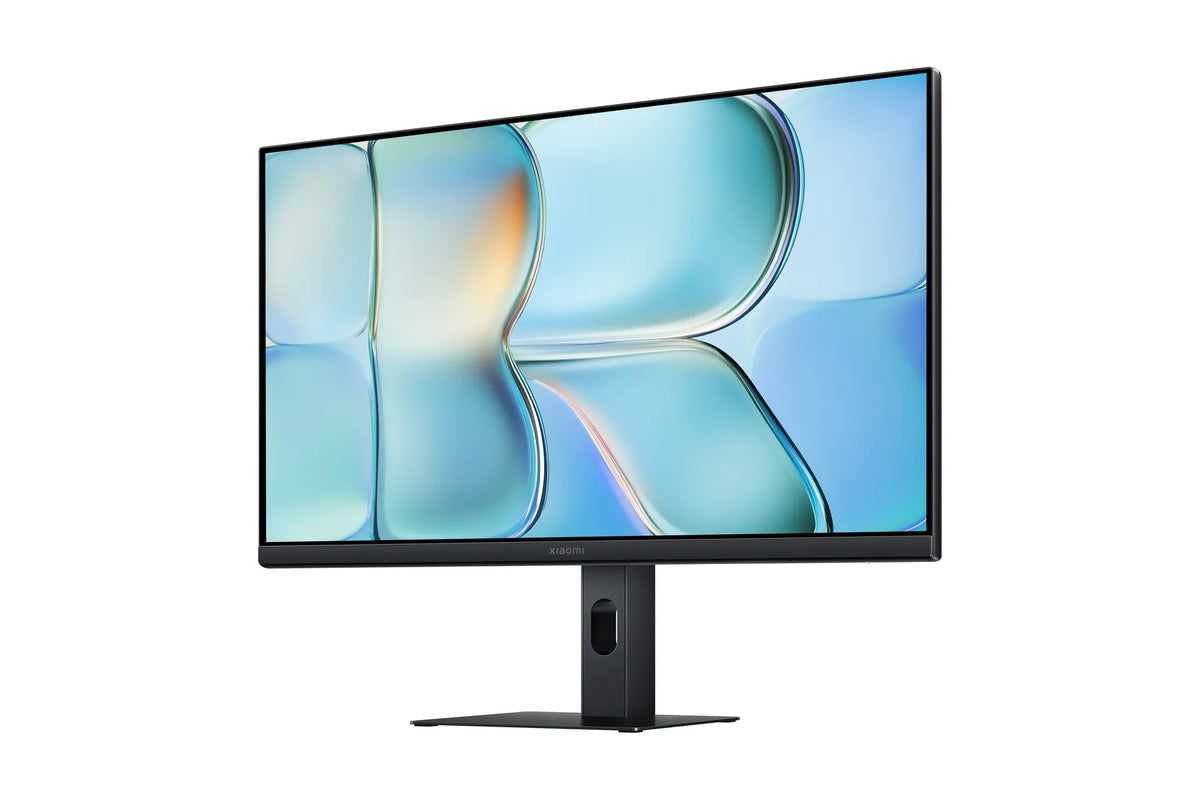
A good workspace starts with a screen that just gets it right, no fuss. The Xiaomi Monitor A24i 2026 is exactly that kind of screen: a 23.8-inch IPS panel that refreshes at up to 144 Hz and comes factory-calibrated for color. With 1.8 mm bezels, almost the entire front is all screen. Setting it up is just a matter of plugging in the included HDMI cable, and you're ready to work.


Your payment details are processed securely. We do not store credit card information and have no access to this data.
Share This Product


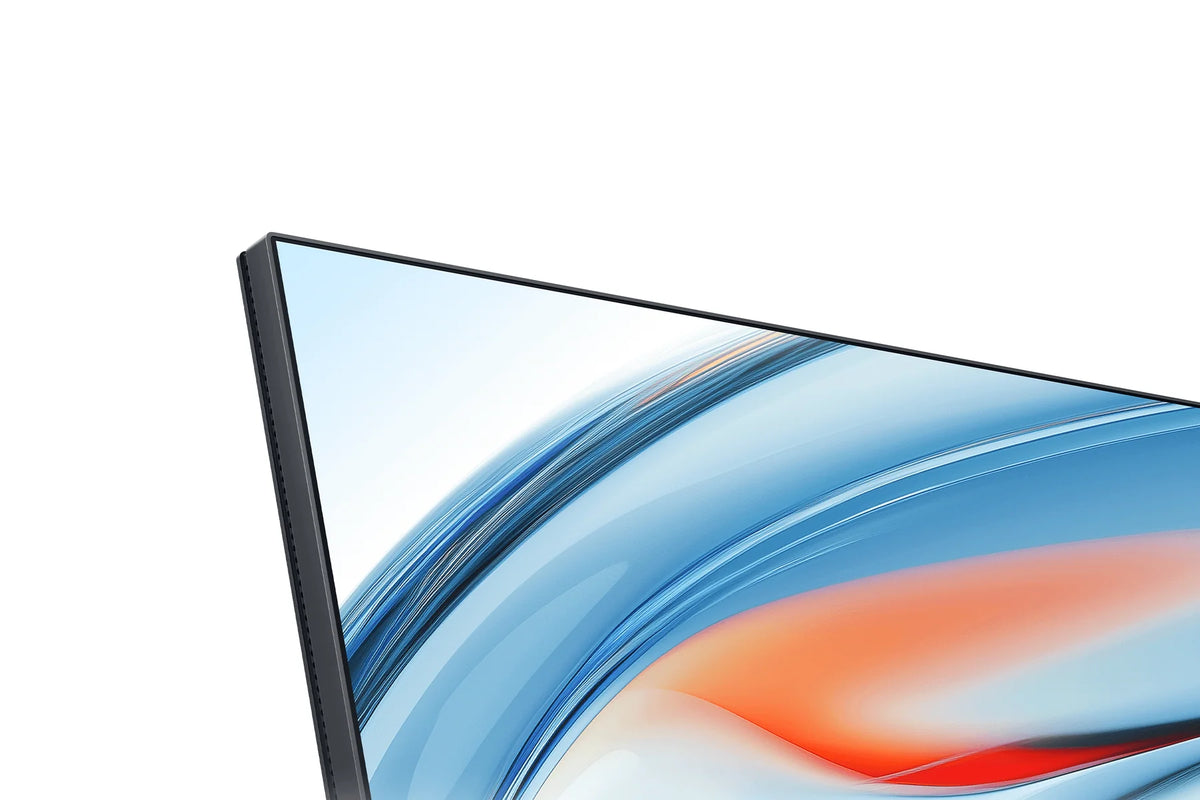
Narrow bezels of 1.8 mm
The screen bezels are just 1.8 mm thin. As a result, 93.1% of the front is taken up by the display, making the screen look more compact than its 23.8 inches.
On your desk, what stands out most is how little space it takes up. At its thinnest point, the housing is 17.2 mm, and with the stand the whole thing weighs 3 kg.
If you add a second screen next to it later, the thin bezels line up neatly against each other. That way you can look across two screens without a thick bar in the middle.
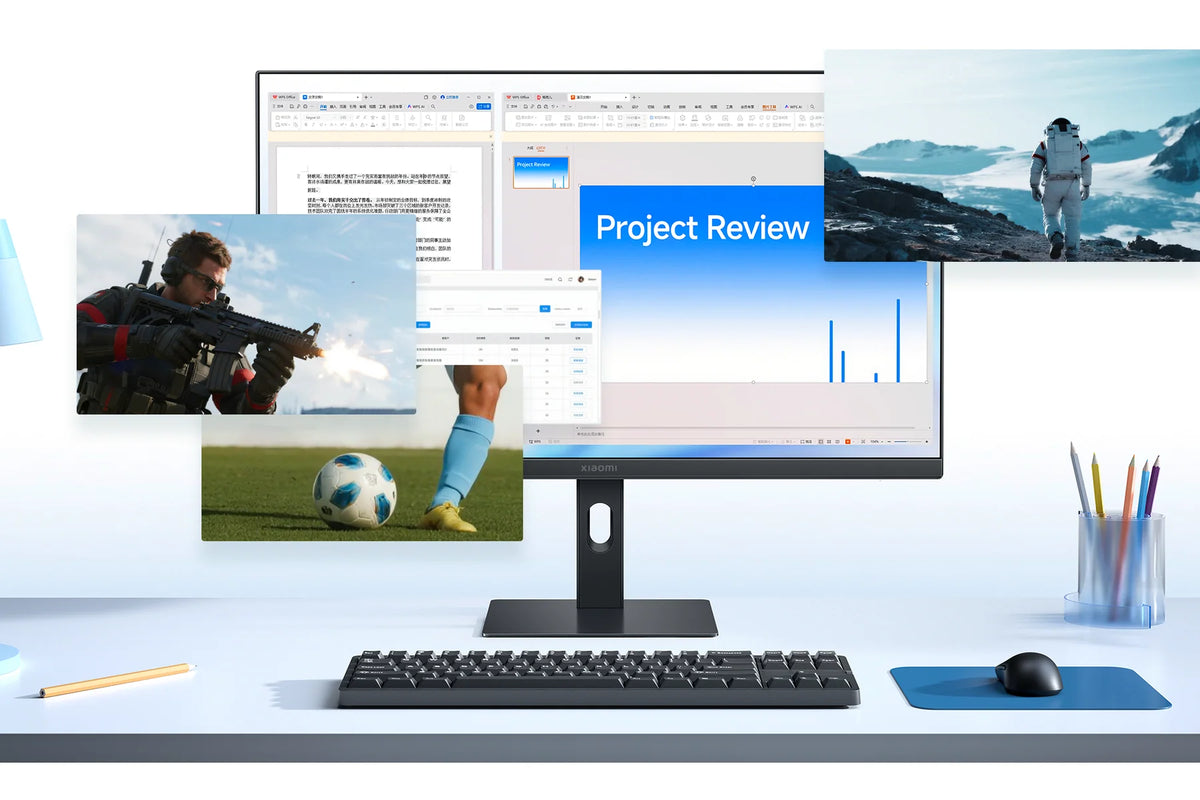
144 Hz, also for everyday work
The IPS panel refreshes up to 144 times per second. That's usually marketed as a gaming feature, but you'll notice it all workday long.
Scrolling through long documents stays readable, the mouse moves along instantly, and dragging windows feels smooth. A standard office screen runs at 60 Hz, so you'll spot the difference right away.
After work, with a 6 ms response time, it's perfectly capable of running a game too. For 144 Hz, use the included HDMI cable and set the refresh rate correctly on your computer.
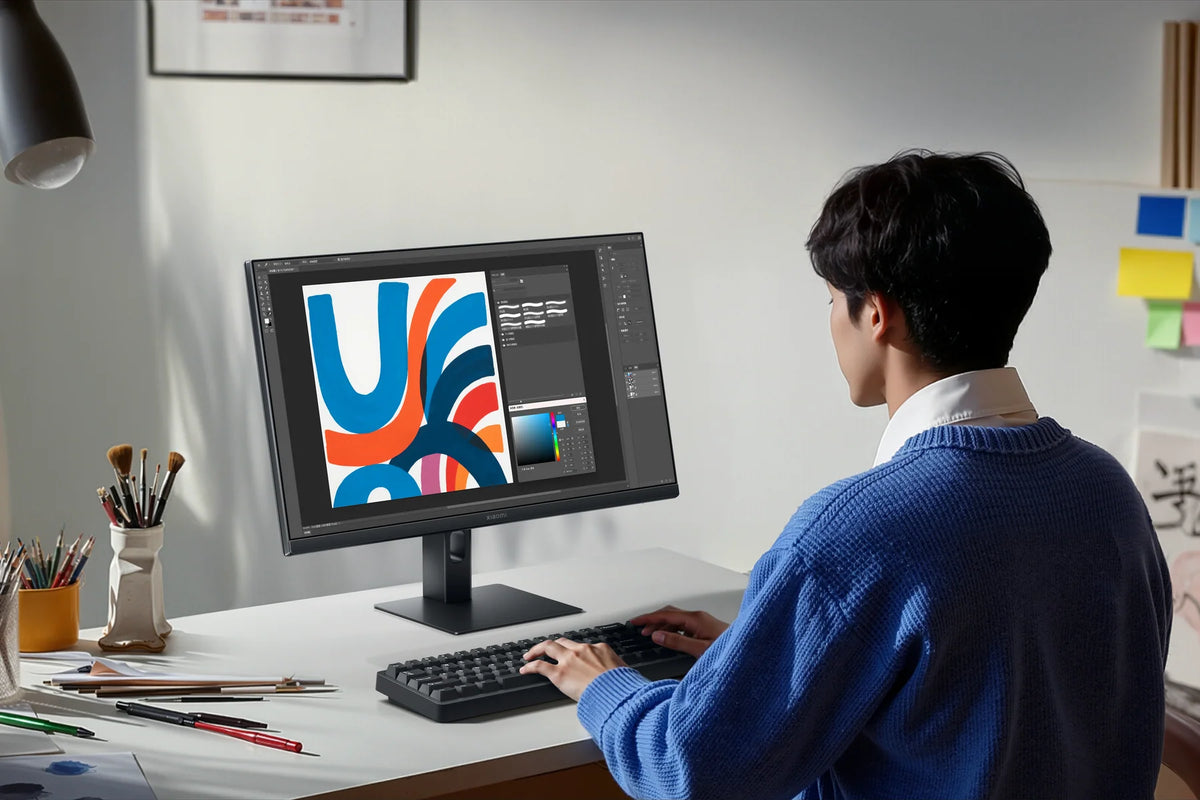
Colors that look right out of the box
Every monitor is individually calibrated at the factory, to an average color deviation under 1 Delta E. At that level, you won't see any difference with the naked eye.
The panel covers 99% of the sRGB color space. So photos, webshops and presentations look exactly as intended.
The 1500:1 contrast ratio is high for an IPS panel. That makes blacks look truly dark instead of gray. Select sRGB mode in the menu to use the factory calibration.
How does the Xiaomi Monitor A24i 2026 compare?
Three monitors from the A-series 2026 for work and home. All three are factory-calibrated to a color deviation below 1 Delta E. The difference lies in the size, the resolution, and the refresh rate.
|
Xiaomi A24i 2026 |
|||
|
23.8 inch IPS |
27-inch IPS |
27-inch IPS |
|
|
1920 x 1080 (Full HD) |
1920 x 1080 (Full HD) |
2560 x 1440 (QHD) |
|
|
Up to 144 Hz |
Up to 144 Hz |
Up to 120 Hz |
|
|
6 ms |
6 ms |
6 ms |
|
|
99% sRGB |
99% sRGB |
100% sRGB, 95% DCI-P3 |
|
|
Below 1 Delta E |
Below 1 Delta E |
Below 1 Delta E |
|
|
1500:1 |
1500:1 |
1300:1 |
|
|
300 nits |
300 nits |
300 nits |
|
|
1x HDMI 2.0, 1x DisplayPort 1.4 |
1x HDMI 2.0, 1x DisplayPort 1.4 |
1x HDMI 2.0, 1x DisplayPort 1.4, audio output |
How the Xiaomi A24i 2026 fits on your desk
How to Set Up the Xiaomi A24i 2026
Attach the stand, plug in the cable and switch it on. Then run through these five steps once. That way you'll get the full 144 Hz and the right colors out of your screen.
Step 1: connect the HDMI cable
Step 1: connect the HDMI cable
Use the included HDMI cable, or your own DisplayPort cable that can handle the bandwidth. A DisplayPort cable is not in the box. An old cable keeps the display at a lower refresh rate.
Step 2: set the refresh rate to 144 Hz
Step 2: set the refresh rate to 144 Hz
Your computer often sets a new display to 60 Hz. Open the display settings, go to the advanced settings and select 144 Hz for the refresh rate.
Step 3: Choose the sRGB mode
Step 3: Choose the sRGB mode
You control the menu with the joystick button on the back. Select the sRGB color mode there to use the factory calibration and get the most accurate colors.
Step 4: turn on the blue light mode
Step 4: turn on the blue light mode
Working late into the evening often? Then turn on blue light mode from the same menu. It's not on by default, so you'll need to switch it on yourself just once.
Step 5: sound through your computer
Step 5: sound through your computer
The display doesn't have any speakers or an audio output. That's why you'll want to connect your headset or speakers to the computer itself.
Service just as important as the product
We think service matters just as much as the product itself. Our customer service team knows every product inside and out and has tested them personally, so you always get honest, expert advice. We also run our warehouse entirely in-house.
Everything happens under our own roof. That way we keep a firm grip on quality and get your order to you quickly and carefully.
Order before 8:00 PM on a business day and if the product is in stock, you'll have it the next business day in the Netherlands and Belgium.
FAQ about the Xiaomi Monitor A24i 2026
Everything you want to know before you order. Can't find your question here? Our customer service is happy to help you.
How do you get 144 Hz on the Xiaomi A24i 2026?
How do you get 144 Hz on the Xiaomi A24i 2026?
Use the included HDMI cable or a DisplayPort cable that can handle the bandwidth. Then, in your computer's display settings, set the refresh rate to 144 Hz, since it's often still at 60 Hz.
Does the Xiaomi A24i 2026 have speakers or an audio output?
Does the Xiaomi A24i 2026 have speakers or an audio output?
No, neither of them. Connect your headset or speakers to the computer itself.
Is the Xiaomi A24i 2026 suitable for photo editing?
Is the Xiaomi A24i 2026 suitable for photo editing?
For web photos, yes. Every monitor is calibrated to a color deviation below 1 Delta E and the panel covers 99% sRGB. If you also work with the wider DCI-P3 color space, take a look at the Xiaomi A27Qi 2026.
Can you mount the Xiaomi A24i 2026 on a monitor arm?
Can you mount the Xiaomi A24i 2026 on a monitor arm?
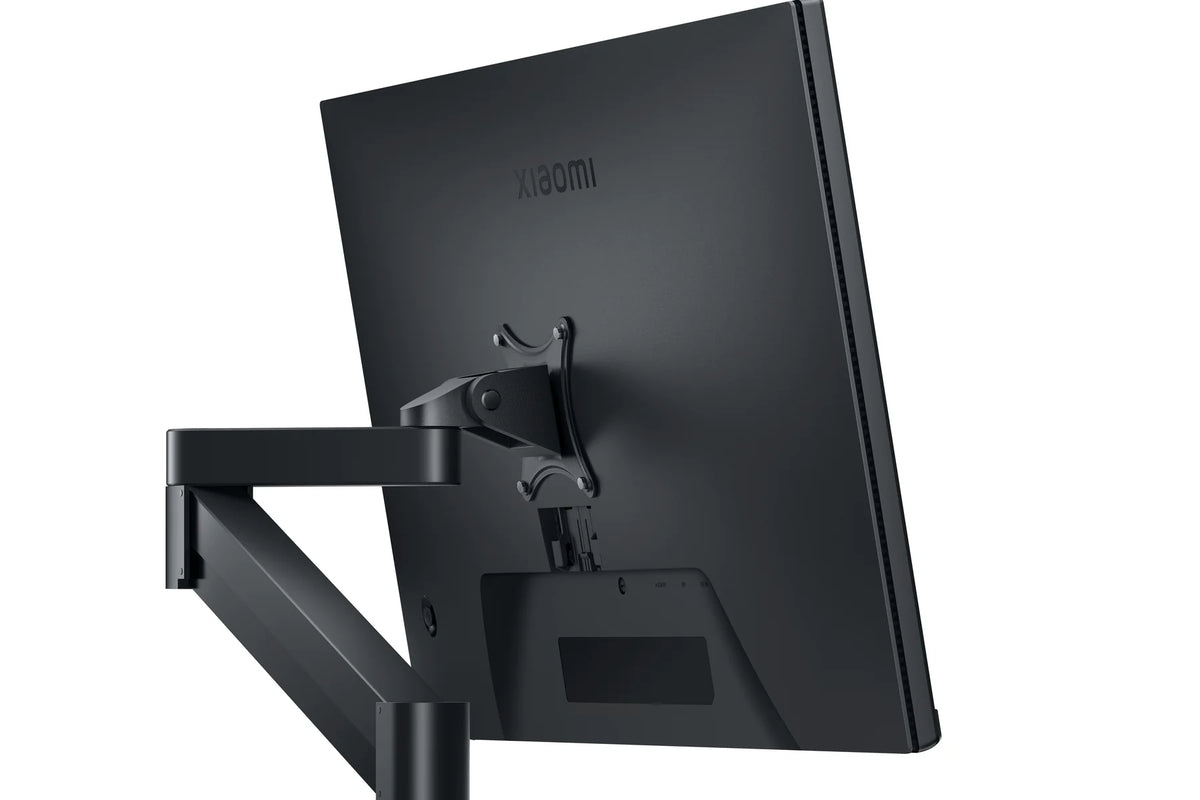
Yes. The monitor has a 75 x 75 mm VESA mount. With the stand it weighs 3 kg, and less without the stand, so most monitor arms carry it easily.
Can you place two Xiaomi A24i 2026 displays side by side?
Can you place two Xiaomi A24i 2026 displays side by side?
That works well. The bezels are just 1.8 mm thin, so two screens line up neatly next to each other. Choose the same color mode on both screens, and your windows will look the same on the left and right.
Does the Xiaomi A24i 2026 come with a DisplayPort cable?
Does the Xiaomi A24i 2026 come with a DisplayPort cable?
No, the box includes a 1.5 m HDMI 2.0 cable. With it, you'll also get the full 144 Hz.
What's the difference between the Xiaomi A24i 2026 and the A27i 2026?
What's the difference between the Xiaomi A24i 2026 and the A27i 2026?
The size. The A24i has a 23.8-inch screen, the Xiaomi A27i 2026 a 27-inch one. The rest is the same: Full HD, 144 Hz, factory calibration and a contrast ratio of 1500:1.
Can you game on the Xiaomi A24i 2026?
Can you game on the Xiaomi A24i 2026?
A quick match after work works just fine with 144 Hz and 6 ms. If you mostly play fast-paced shooters, check out the Xiaomi G24i 2026 with 200 Hz and 1 ms.
Why choose TechPunt?

Free shipping
All orders over €75 are delivered to your home at no extra cost.

Easy Returns
Enjoy the freedom of worry-free shopping thanks to our simple return policy.

Expert Advice
Our team tests every product themselves, so you always get honest and independent advice.


