



Xiaomi Smart Plug 2 (Wi-Fi)
VAT included.
In stock
With the Xiaomi Smart Plug 2 (Wi-Fi), you turn an ordinary lamp, kettle or fan into a smart device. Plug it into the socket, plug your device into it, and then control it with your phone or your voice via Google. You manage schedules, a countdown timer and the power consumption per device in the Xiaomi Home app.
Your payment details are processed securely. We do not store credit card information and have no access to this data.
Share This Product


Three examples with the Xiaomi Smart Plug 2 (Wi-Fi)
Plug in any ordinary device and then control it from your phone.

Coming home to a lit-up house
The living room lamp turns on every evening at 6:30. Whether you're home late or away on holiday, your house always looks lived-in.

Not sure if you turned off the kettle?
In the app you can see right away whether it's still on, and with a single tap you cut the power. Even when you're already at work.

A warm room when you get home
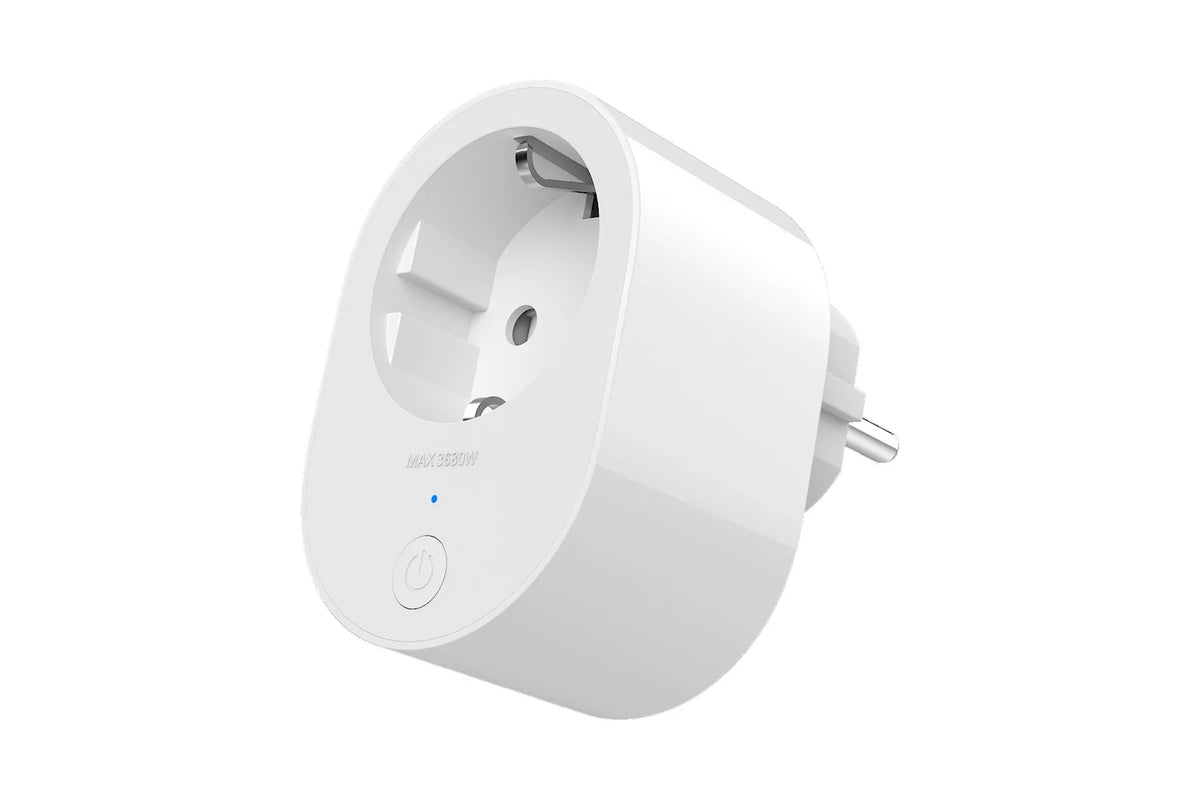
Turn on the electric heater half an hour in advance via your phone. The plug handles up to 3,680 W, and with a set switch-off time, the heater won't run all night long.
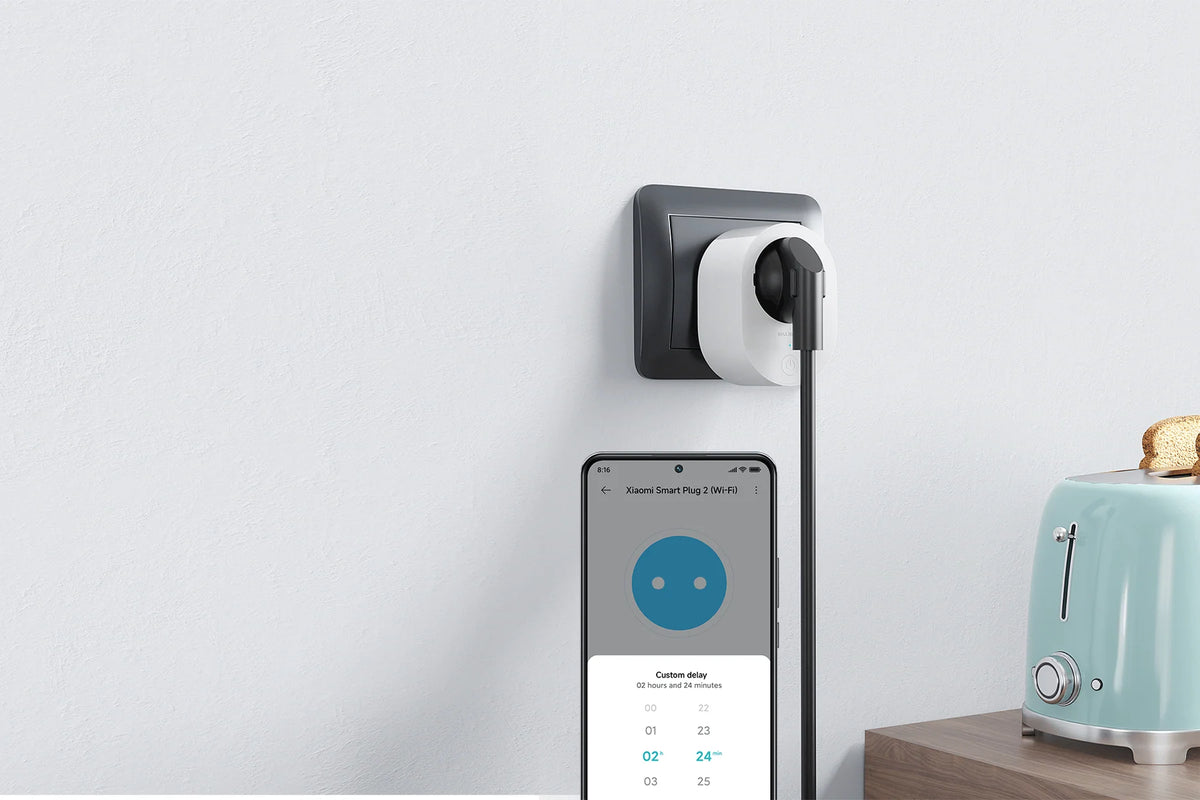
Control via Xiaomi Home and Google
In the Xiaomi Home app, you can switch the plug on or off, wherever you are. You can instantly see whether the device is on, and set schedules and a countdown timer.
Link your Xiaomi Home to Google Home, and the plug also works with your voice. "Hey Google, turn on the lamp in the living room" and the light switches on. You don't need a separate hub: the plug connects to your Wi-Fi all by itself.
Use the button on the plug to switch it manually. Press twice to start the countdown timer, which keeps working even if your internet drops for a moment.
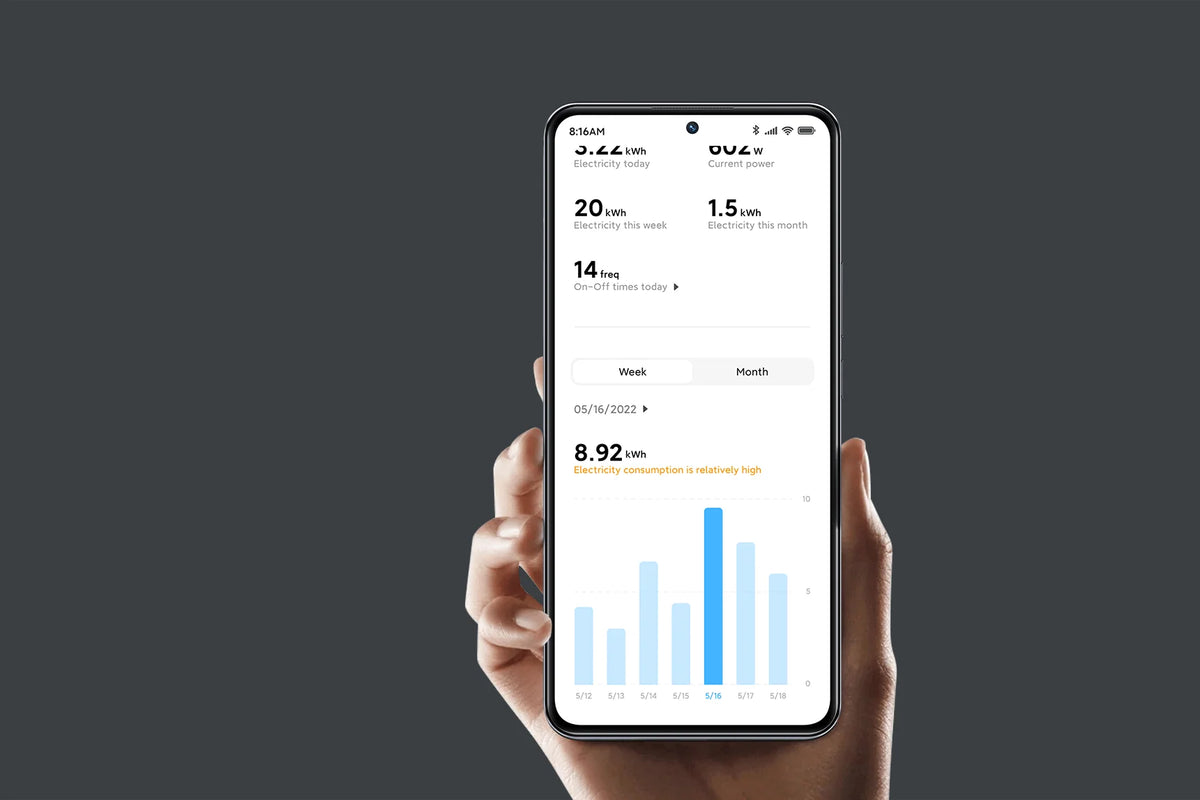
Power consumption per device in the app
The Smart Plug 2 measures how much power the connected device uses. In the app you see the current usage and an overview of the past few days.
This way you can see what the freezer in the garage, the old fridge or the TV in standby is costing you. Handy if you want to know which devices draw the most power.
Is a device running at night for nothing? Then simply switch it off with a schedule. In the chart you'll immediately see the difference it makes.
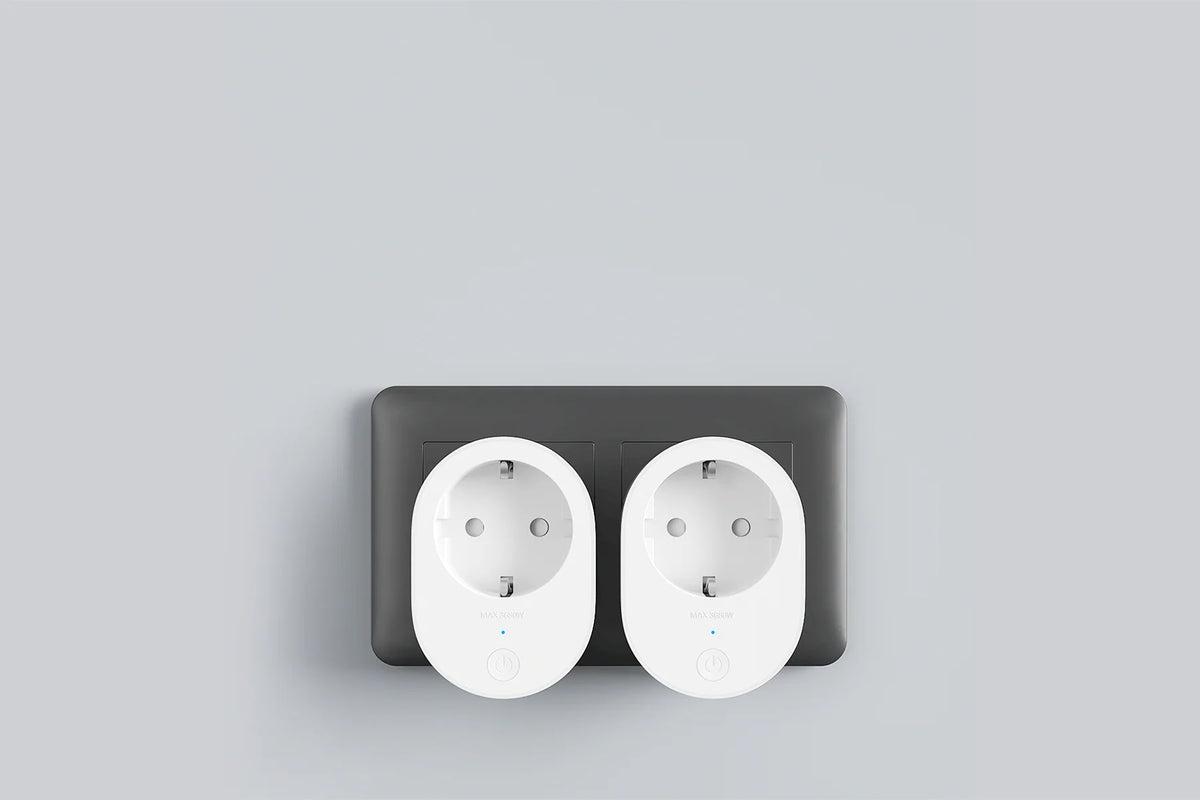
Safety and design of the Xiaomi Smart Plug 2 (Wi-Fi)
How to Set Up the Xiaomi Smart Plug 2 (Wi-Fi)
With these five steps, suction power stays strong and your filters last longer.
Step 1: plug the plug into the power outlet
Step 1: plug the plug into the power outlet
Plug the Smart Plug 2 into a power outlet and wait for the light to flash orange. Then it's ready to pair.
Step 2: add it in Xiaomi Home
Step 2: add it in Xiaomi Home
Open the Xiaomi Home app, tap the + in the top right corner and choose the Xiaomi Smart Plug 2 (Wi-Fi).
Step 3: connect it to your Wi-Fi
Step 3: connect it to your Wi-Fi
Choose your 2.4 GHz wifi network and enter the password. When the light turns blue, the plug is connected.
Step 4: connect Google Home
Step 4: connect Google Home
Want to control the plug with your voice? Just link your Xiaomi Home account in the Google Home app. The plug will then appear among your other devices.
Step 5: Set Up Schedules
Step 5: Set Up Schedules
Give the plug a recognizable name in the app, like "living room lamp". After that, you set up schedules and a countdown timer, and you can see the power consumption.
Service just as important as the product
We think service matters just as much as the product itself. Our customer service team knows every product inside and out and has tested them personally, so you always get honest, expert advice. We also run our warehouse entirely in-house.
Everything happens under our own roof. That way we keep a firm grip on quality and get your order to you quickly and carefully.
Order before 8:00 PM on a business day and if the product is in stock, you'll have it the next business day in the Netherlands and Belgium.
FAQ about the Xiaomi Smart Plug 2 (Wi-Fi)
Everything you want to know before you order. Can't find your question here? Our customer service is happy to help you.
Which devices can you connect to the Xiaomi Smart Plug 2 (Wi-Fi)?
Which devices can you connect to the Xiaomi Smart Plug 2 (Wi-Fi)?
Devices up to 16 amps, good for 3,680 W with lamps, heaters, kettles and other devices that simply draw power. For a device with a mechanical on/off switch, leave it set to on, and then the plug handles switching via the power.
Does the Xiaomi Smart Plug 2 (Wi-Fi) work with Google Home?
Does the Xiaomi Smart Plug 2 (Wi-Fi) work with Google Home?
Yes. Link your Xiaomi Home account in the Google Home app, and you can control the plug with Google Assistant - even with your voice.
Do you need a hub for the Xiaomi Smart Plug 2 (Wi-Fi)?
Do you need a hub for the Xiaomi Smart Plug 2 (Wi-Fi)?
No. The plug connects to your 2.4 GHz wifi network on its own and works with the Xiaomi Home app.
Can you see the power consumption with the Xiaomi Smart Plug 2 (Wi-Fi)?
Can you see the power consumption with the Xiaomi Smart Plug 2 (Wi-Fi)?
Yes. In the Xiaomi Home app you can see the current power consumption of the connected device, plus an overview of the recent period.
What does the Xiaomi Smart Plug 2 (Wi-Fi) do after a power outage?
What does the Xiaomi Smart Plug 2 (Wi-Fi) do after a power outage?
It jumps back to the state it was in before the power outage: on or off. A countdown timer that was running does stop. You'll need to start it again afterwards.
Does the Xiaomi Smart Plug 2 (Wi-Fi) work without internet?
Does the Xiaomi Smart Plug 2 (Wi-Fi) work without internet?
With the button on the plug, you can always switch it on or off by hand. Pressing twice starts the countdown timer, which works even without internet. You do need internet for remote control.
Is the Xiaomi Smart Plug 2 (Wi-Fi) safe?
Is the Xiaomi Smart Plug 2 (Wi-Fi) safe?
The plug has protection against overheating and excessive current. If the values get too high, you'll get a notification and it switches off. The housing is flame-retardant and has passed the 750 °C glow wire test.
How big is the Xiaomi Smart Plug 2 (Wi-Fi)?
How big is the Xiaomi Smart Plug 2 (Wi-Fi)?
It measures 74 x 52 x 76.6 mm. That means two of them fit side by side in a double wall socket.
Why choose TechPunt?

Free shipping
All orders over €75 are delivered to your home at no extra cost.

Easy Returns
Enjoy the freedom of worry-free shopping thanks to our simple return policy.

Expert Advice
Our team tests every product themselves, so you always get honest and independent advice.


